Affiliate Program Guide
Our Affiliate Program is open to anyone interested in promoting Success.co and earning rewards for referrals.
Referral Rewards
- Earn 15% lifetime revenue share on all referred clients.
- Managed directly through PartnerStack with no tiers or hidden fees.
- Covered by the Partner & Affiliate Terms of Service.
PartnerStack
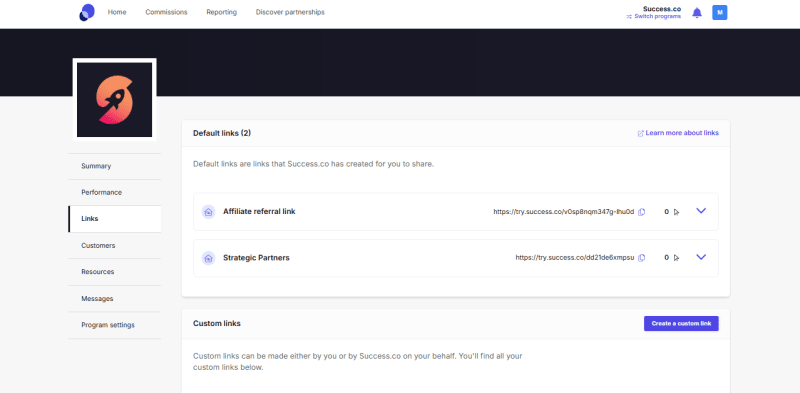
PartnerStack is where you manage all your referrals and rewards for the affiliate program. It’s designed to help you:
- Find your unique referral link so you can share it with potential clients or partners
- Track clicks and signups to see how many leads come through your link
- Monitor your earnings and payouts from successful referrals
- Access marketing resources like banners, templates, and guides to help promote the program

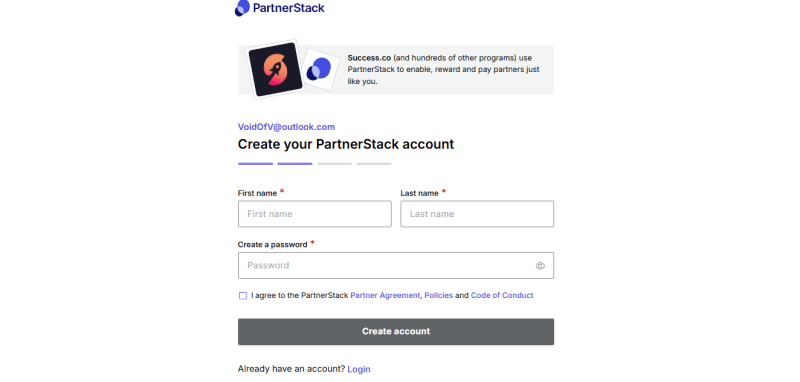
After selecting JOIN NOW, you will be asked to log in or sign up to PartnerStack. You can either provide your email address or log in using your Google account.

For new users, you will be asked to provide your First and Last name, then create a Password.
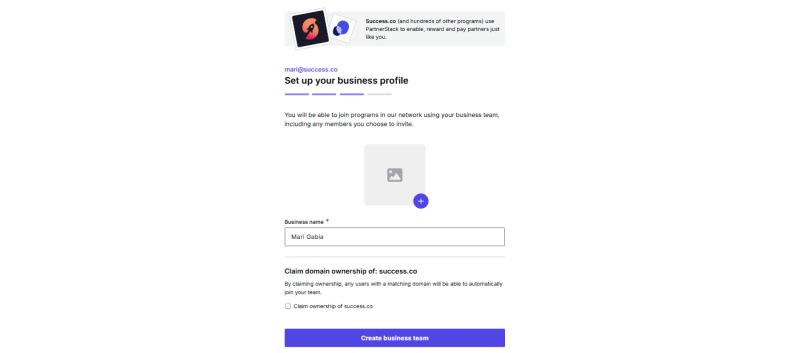
Next, you will be given an option to add a business profile picture.
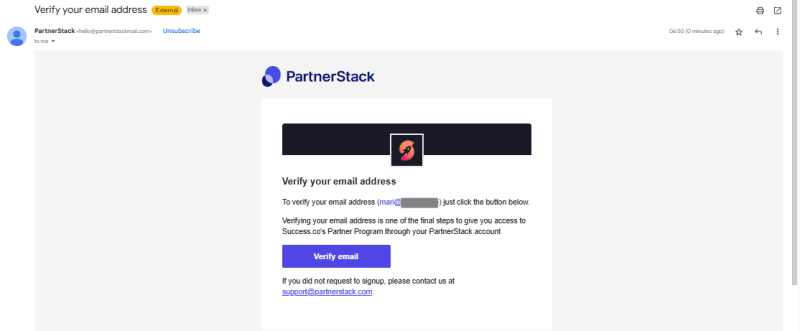
You will then receive an email to verify your email address > Click Verify email
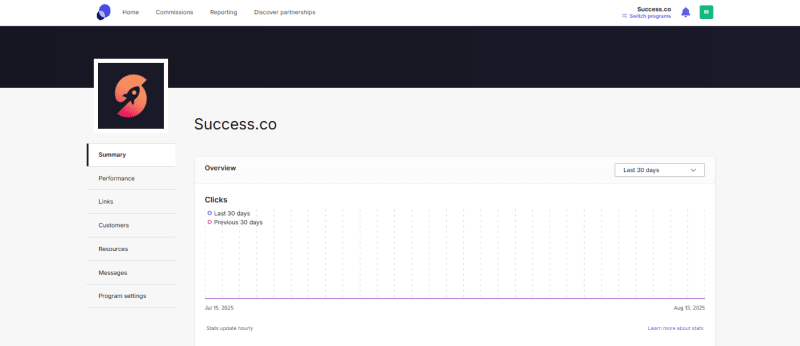
You can now navigate the PartnerStack Success.co dashboard to track your referral program performance and access useful tools.
Overview Tab
- Displays a summary of your program activity, focusing on key metrics like Clicks.
- The graph compares the number of clicks in the Last 30 days (blue line) with the Previous 30 days (pink line).
- Use the dropdown on the top right to adjust the date range for the stats shown.
- Stats update hourly to give you near real-time data.
Navigation Menu
- Summary: Overview of your referral performance (default landing page).
- Performance: Detailed stats on your referrals, conversions, and commissions.
- Links: Access and manage your unique referral links.
- Customers: View clients who signed up through your referrals.
- Resources: Download marketing materials, templates, and helpful content.
- Messages: Communicate with the program administrators or partners.
- Program Settings: Manage your account settings related to the referral program.

Referring Clients
- Share your unique referral link via email, social media, or directly with clients.
- Anyone who signs up through your link will be tracked automatically.
- For accurate tracking, always ensure the client clicks your link before signing up.